Twitch confirms your identity. Follow and moderation permissions check the bot connection; poll and prediction permissions support their overlays. Spotify uses a separate optional connection. Read the safety guide.
Can viewers trigger anything on screen?
Creators and moderators have card and location popup access by default. The creator can choose VIP or regular-chatter access in setup. Features and commands remain subject to channel permissions.
Why is my overlay blank?
It is transparent until an overlay event appears. Open your private preview and use Send test overlay in setup. Follow the recovery steps.
Example Overlay Moments
These are the kinds of on-screen moments that turn passive chat into active participation. Each overlay gives viewers something to react to, vote on, ask about, or celebrate with the creator.
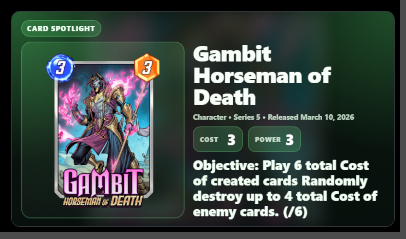
Card PopupBring card conversations onto the stream instead of leaving viewers guessing. Card popups make deck choices, new releases, and chat questions instantly visible.
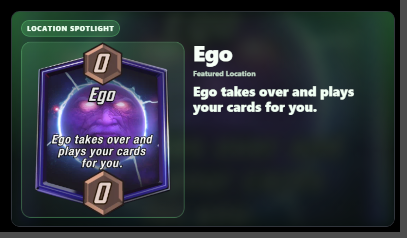
Location PopupKeep everyone aligned when a location becomes the story of the match. Location callouts help viewers follow the board state and react with the creator.
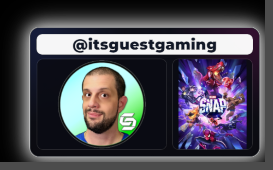
Creator ShoutoutMake raids, friends, and community moments feel intentional. Shoutout overlays give creators a cleaner way to highlight people worth following.
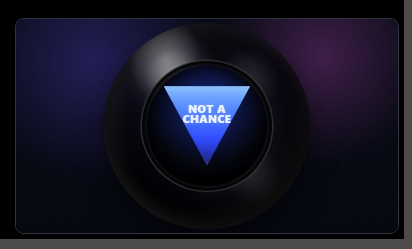
Magic 8-BallGive chat a playful way to influence the vibe between turns. The 8-Ball turns simple questions into quick on-screen moments everyone can laugh at.
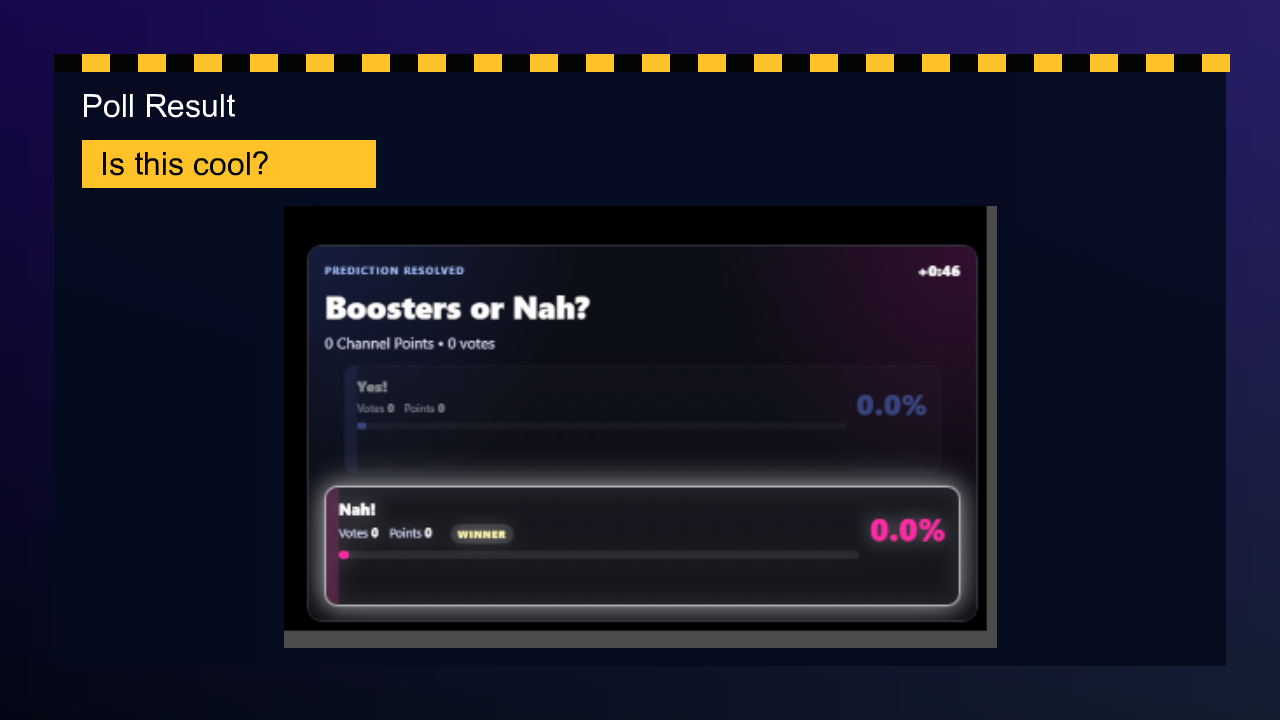
PredictionsPredictions give chat a stake in what happens next. Resolved overlays make the payoff obvious and keep the room engaged through the result.
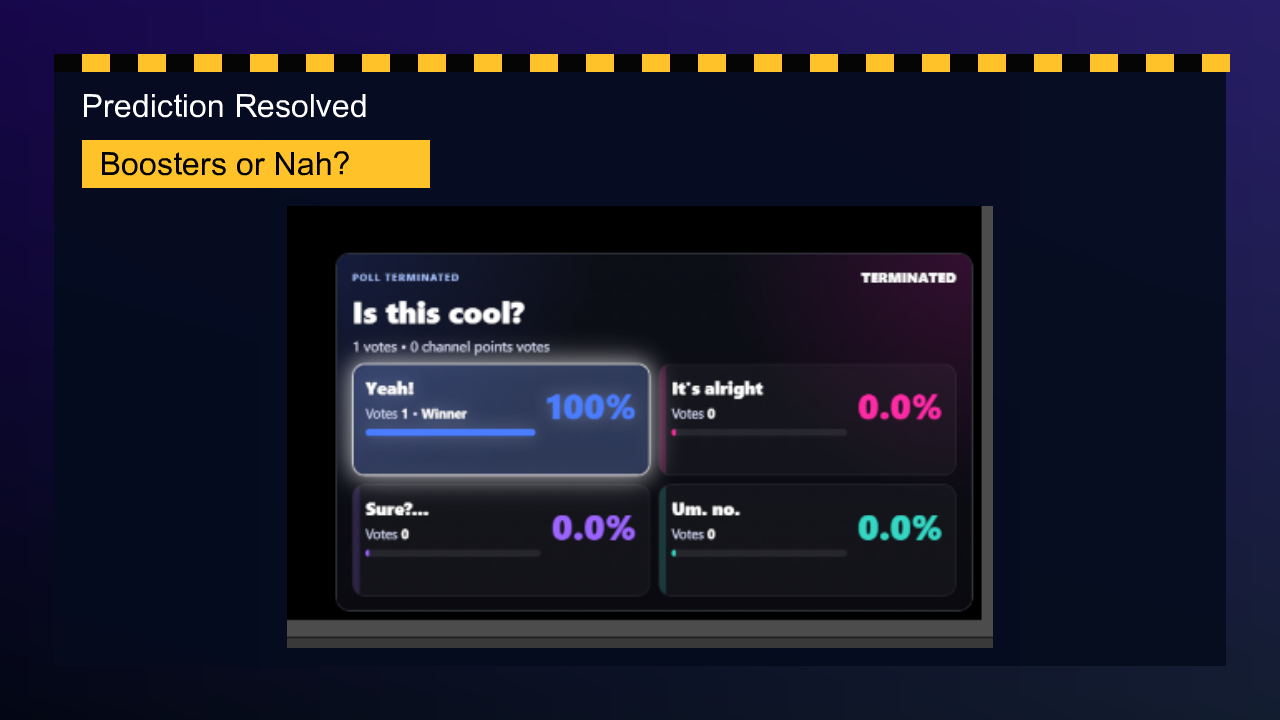
PollsPolls let viewers help shape the stream without derailing it. Result overlays make the community choice feel official and easy to understand.
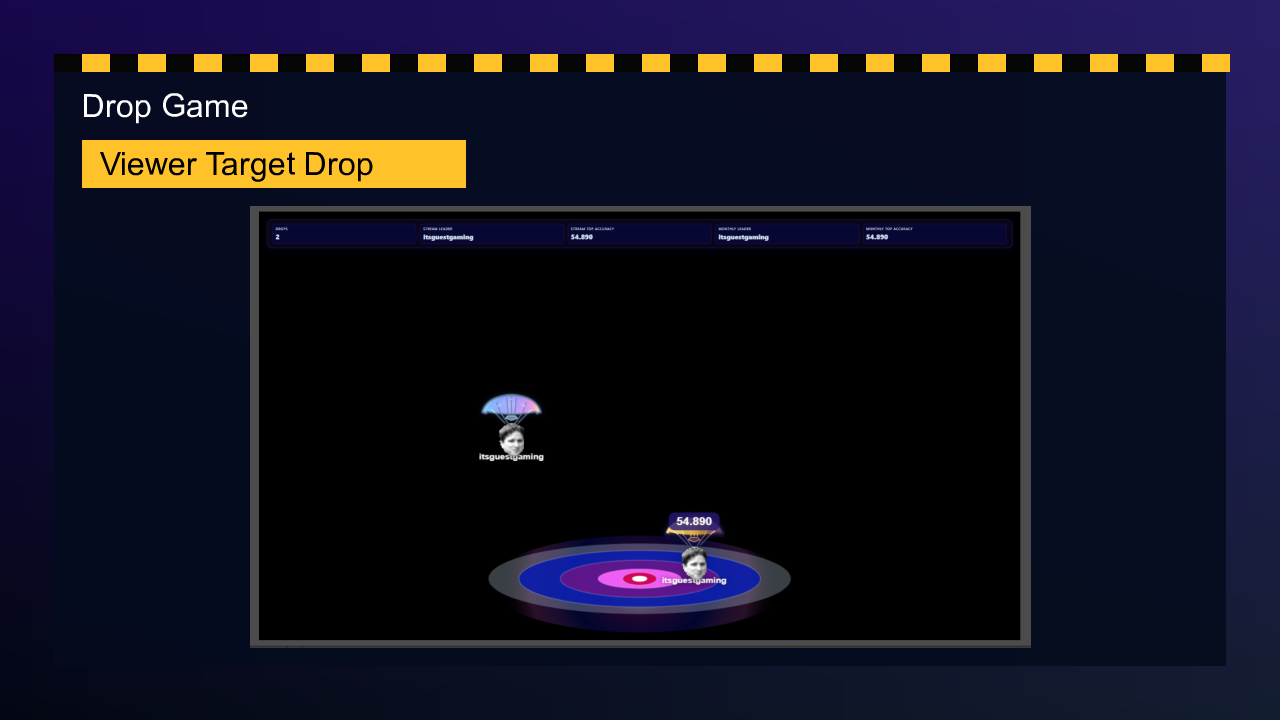
Drop GameGive viewers something active to do while the stream keeps moving. Drop Game adds lightweight competition, targets, scoring, and replayable chat energy.
Live RatingsLet chat score a play, deck, card, match, variant, or moment from 0 to 10. The overlay tracks entries, live average, timed countdowns, and a glowing final score.
Live Rating0:382 Entries
8.50
Ongoing average out of 10
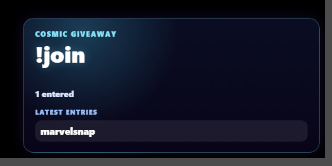
Giveaway WheelTurn giveaways into a real stream event instead of a quiet chat command. Entry popups and the winner wheel make rewards feel exciting, fair, and visible.